
Flutter for Startups and Essential Flutter Widgets: Complete Guide
Explore Flutter Widget Features: A Must-Read for Users!
Did you use Flutter widget Feature? If yes then it is for you!!... Hy Developers, I hope you were fine with your boring code. Aren’t you? Just kidding!!!!!! Todays blog is for you, specially for Flutter developer who are learning flutter, working on...
· · Written by Virtuous Techlogic · 6 min read
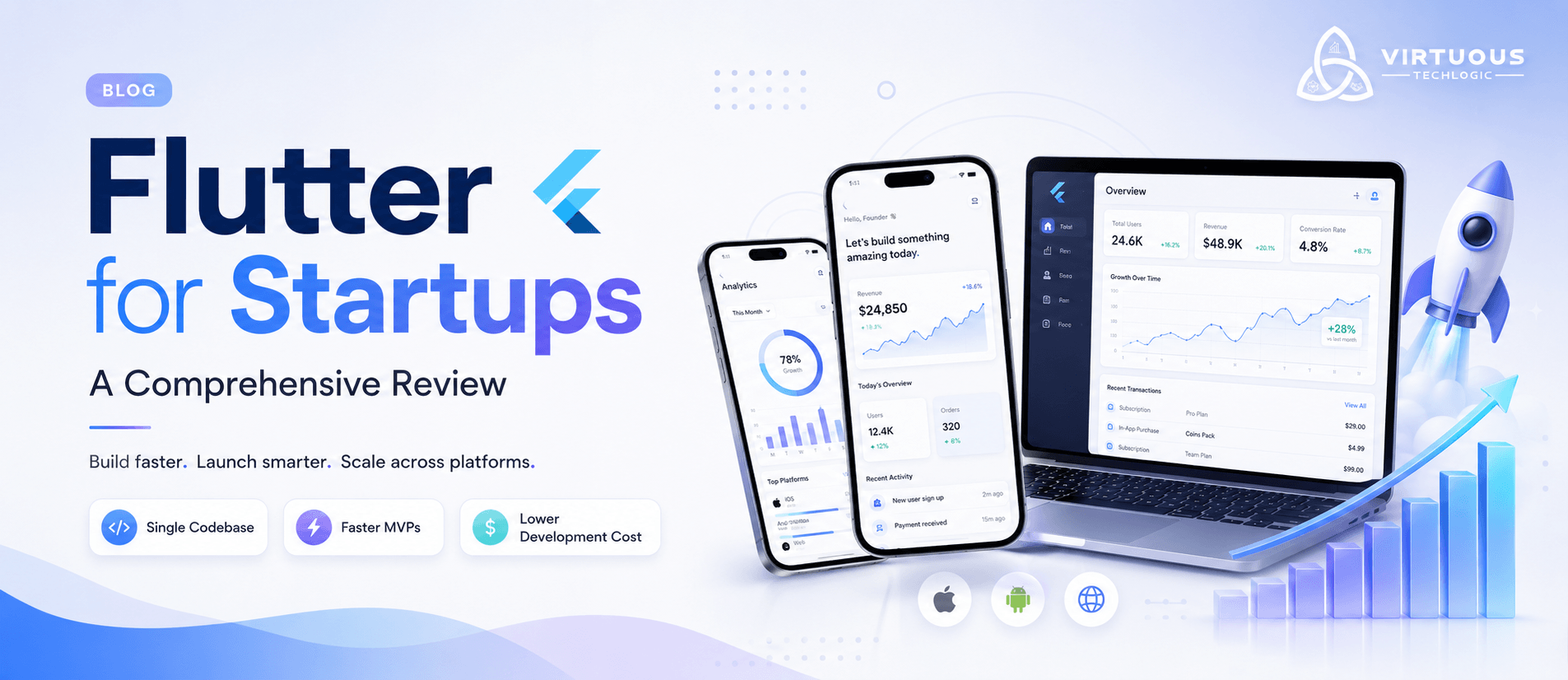
Flutter for Startups: A Comprehensive Review
Introduction
Launching a startup is exciting, but turning an idea into a successful digital product comes with challenges. Founders need to validate ideas quickly, manage limited budgets, and deliver exceptional user experiences across multiple platforms. Choosing the right technology stack can significantly influence the speed and success of a product launch.Flutter, Google's open-source cross-platform development framework, has become one of the most popular choices for startups because it enables developers to build Android, iOS, web, and desktop applications from a single codebase. Combined with FlutterFlow for rapid visual development, Flutter helps businesses reduce development time, lower costs, and launch products faster without compromising quality.At Virtuous Techlogic, we help startups transform innovative ideas into scalable digital products using Flutter and FlutterFlow. From MVP development to enterprise-grade applications, our team focuses on building secure, high-performance, and future-ready applications that support long-term business growth.
What is Flutter?
Flutter is Google's open-source UI framework that allows developers to create beautiful, high-performance applications using a single codebase. Unlike traditional native development, where separate codebases are required for Android and iOS, Flutter enables businesses to develop once and deploy across multiple platforms.Flutter uses the Dart programming language and comes with a rich collection of customizable widgets that help developers build visually appealing applications while maintaining excellent performance.
Key Features of Flutter
- Single codebase for Android, iOS, Web, Windows, macOS, and Linux
- Native-like performance
- Hot Reload for rapid development
- Rich customizable UI widgets
- Strong community and Google support
- Easy backend integration
- High scalability for future growth
These capabilities make Flutter an excellent technology choice for startups that need to launch quickly while planning for future expansion.
Why Flutter is Ideal for Startups
Faster Product Development
Speed is often the deciding factor between success and failure for startups. Flutter dramatically reduces development time because developers only need to maintain one codebase instead of two separate native applications.With features like Hot Reload, developers can instantly preview code changes, fix bugs quickly, and accelerate feature development.Benefits include:
- Faster MVP launches
- Shorter testing cycles
- Rapid feature implementation
- Quicker product validation
Lower Development Costs
Developing separate Android and iOS applications requires larger teams, longer timelines, and higher budgets.Flutter reduces development costs by allowing a single team to build and maintain one application for multiple platforms.This means startups can invest more in:
- Marketing
- Customer acquisition
- Product improvements
- Business growth
instead of duplicated development efforts.
Excellent User Experience
Modern users expect applications to be fast, intuitive, and visually appealing.Flutter offers complete flexibility in UI development through its widget-based architecture, enabling developers to build highly customized interfaces with smooth animations and responsive layouts.High-quality user experiences improve:
- Customer satisfaction
- User retention
- App ratings
- Brand perception
Flutter for Tech and Non-Tech Founders
One of Flutter's biggest strengths is that it supports founders with different technical backgrounds.
Technical Founders
Developers appreciate Flutter because of its flexibility, clean architecture, performance optimization, and ability to integrate advanced APIs, AI services, and cloud platforms.
Non-Technical Founders
Entrepreneurs without coding experience benefit from FlutterFlow, a visual development platform built on Flutter.FlutterFlow enables founders to:
- Design application screens visually
- Build interactive prototypes
- Validate product ideas quickly
- Reduce MVP development time
Professional developers can later extend these applications with custom Flutter code whenever needed.
FlutterFlow for Rapid MVP Development
Every successful startup begins with validating an idea before investing heavily in development.FlutterFlow accelerates this process by allowing teams to build Minimum Viable Products (MVPs) much faster than traditional development.
Benefits of FlutterFlow
- Drag-and-drop visual builder
- Rapid UI creation
- Firebase integration
- REST API support
- Custom actions
- Real-time previews
- Fast iteration cycles
At Virtuous Techlogic, we combine FlutterFlow's speed with custom Flutter development to build production-ready applications that can scale as businesses grow.
Flutter Development Best Practices
Building a successful application requires more than writing code.Our Flutter development approach follows industry best practices to ensure long-term maintainability.
Clean Architecture
Applications should be modular, organized, and easy to maintain as new features are introduced.
State Management
Choosing appropriate state management solutions such as Provider, Riverpod, Bloc, or GetX improves application stability.
Code Reusability
Reusable widgets reduce development time and maintain UI consistency.
Automated Testing
Comprehensive testing helps identify bugs early and improves application reliability.
Performance Optimization
We optimize rendering, network calls, memory usage, and animations to ensure smooth performance across devices.
Security
We implement secure authentication, encrypted communication, protected APIs, and secure storage for sensitive information.
Agile Development with Flutter
Flutter aligns perfectly with Agile software development methodologies.Our Agile workflow includes:
- Sprint planning
- Continuous feedback
- Weekly demonstrations
- Incremental releases
- Continuous testing
- Regular improvements
This collaborative approach allows startups to adapt quickly based on user feedback while minimizing development risks.
Flutter vs Native Development
Choosing between Flutter and native development depends on business requirements.
Flutter
Best for:
- Startups
- MVPs
- Cross-platform apps
- Budget-conscious businesses
- Faster releases
Native Development
Best for:
- Hardware-intensive applications
- Platform-specific features
- Extremely complex device integrations
For most startups, Flutter offers an excellent balance between performance, speed, and development cost.
Why Startups Choose Virtuous Techlogic
At Virtuous Techlogic, we don't simply develop applications—we help businesses build successful digital products.Our Flutter development services include:
- Flutter app development
- FlutterFlow development
- MVP development
- UI/UX design
- Backend development
- API integration
- Firebase and Supabase integration
- Quality Assurance
- App Store and Google Play deployment
- Maintenance and support
Our collaborative approach ensures clients remain involved throughout the development process while benefiting from transparent communication and Agile delivery.
Success Story: Helping a Startup Launch Faster
A startup approached Virtuous Techlogic with an idea for a service marketplace application. Their goal was to validate the concept quickly while keeping development costs under control.Our team recommended Flutter for cross-platform development and FlutterFlow for rapid interface creation.
Our Approach
- Conducted product discovery sessions
- Designed interactive wireframes
- Built the MVP using FlutterFlow
- Extended functionality with custom Flutter development
- Integrated secure APIs and Firebase backend
- Performed comprehensive QA testing
- Published the application on Android and iOS
Results
- Reduced development timeline significantly
- Lowered overall development costs
- Enabled faster investor demonstrations
- Delivered a scalable foundation for future growth
The startup successfully launched its MVP, gathered valuable customer feedback, and continued expanding the platform with new features.
Why Flutter Continues to Grow in 2026
Flutter continues gaining popularity because businesses increasingly prioritize:
- Faster product delivery
- Lower maintenance costs
- Consistent user experiences
- Cross-platform scalability
- Better developer productivity
As Google's ecosystem continues to expand, Flutter remains one of the strongest choices for modern application development.
Conclusion
Building a startup requires making smart technology decisions from day one. Flutter offers startups the perfect combination of speed, flexibility, scalability, and cost efficiency. Whether you're validating an idea with an MVP or building a production-ready application, Flutter enables faster development without sacrificing quality.At Virtuous Techlogic, we combine Flutter expertise, FlutterFlow acceleration, Agile methodologies, and product strategy to help startups launch successful applications that are built for long-term growth.If you're planning to build your next mobile or web application, our team is ready to help you transform your idea into a scalable digital product.
actical application. Widgets can characterise a primary component (like a button or menu), an elaborate component (like a text style or variety plot), or a design perspective (like cushioning or edge).
Flutter widgets are immutable, and that implies their state can't change whenever they are assembled. In the event that the UI needs to change, Flutter remakes another widget tree.
There are two kinds of widgets: Stateful and Stateless. Stateless widgets can't change once made, while Stateful widgets can change their appearance because of client connections or different elements.
The widget tree is like the DOM tree in web improvement however is assembled and delivered all the more productively because of Flutter's structure.
Some famous and use full widgets
Floating Action Button:
A circular button that performs pre-characterized actions when clicked. It's a significant apparatus for building UIs.
A Floating Action Button (FAB) is a circular button that floats over the application's substance, giving a fast action or primary function. It's normally positioned at the bottom right corner of the screen and stands apart with its splendid variety, making it simple for clients to see and associate with.
Did you know these:
- The FAB in Flutter follows Material Plan guidelines as a matter of course, guaranteeing a reliable and recognizable client experience.
- You can tweak the FAB with symbols, text, and even liveliness to make it really captivating.
- The FAB can be utilised related to a BottomNavigationBar to give extra setting explicit actions.
- Involving numerous FABs in a Speed Dial style can offer greater usefulness without jumbling the UI.
SafeArea
It makes the UI dynamic and versatile to various gadgets by considering screen imperatives like status bars, scores, and route bars.
The SafeArea gadget in Flutter ensures that your application's substance isn't concealed by framework components like the notch, status bar, or route bar. It's like giving your application a place of refuge where it won't be covered by these framework highlights.
Did you know these:
- SafeArea can be redone to incorporate or bar explicit edges (top, base, left, right) utilizing the edges property.
- Naturally, SafeArea adds cushioning to every one of the four sides of the screen, however you can adjust this to accommodate your plan needs.
- If you have any desire to perceive how your application looks without the SafeArea, you can undoubtedly switch it off by setting maintainBottomViewPadding to false.
StreamBuilder
It synchronizes approaching information in time. It's upheld by the Dart language, which broadens its help for asynchronous data streams.
StreamBuilder is a unique gadget in Flutter that helps you oversee and show information from a stream in your application. A stream resembles a waterway of information that streams over the long haul, conveying new bits of information (occasions) as they occur. StreamBuilder pays attention to this stream and updates your application's UI at whatever point new information comes in.
Did you know these:
- StreamBuilder is magnificent for overseeing continuous information, for example, live talk messages or securities exchange refreshes.
- It gives a simple method for dealing with mistakes that could happen in the stream, making your application more vigorous.
- Utilising streams and StreamBuilder can assist with working on your application's presentation by proficiently refreshing just pieces of the UI that need changes.
Expanded
Permits the offspring of numerous kid gadgets, similar to a line or section, to extend or recoil in light of the accessible space. This helps construct responsive formats.
The Expanded gadget in Flutter resembles an adaptable holder that stretches to occupy the accessible space in a Row, Column, or Flex format. Imagine you have a column of boxes, and you believe one of the containers should occupy all the additional room. You enclose that case with an extended gadget. This aids in making responsive plans without expecting to determine precise sizes for every gadget.
Did you know these?
- Expanded can work close with different gadgets like Spacer to make more perplexing formats.
- You can utilise the flex property to control how much space each expanded gadget takes compared with others.
- Expanded gadgets can assist in keeping away from spilling over blunders by progressively changing their size in light of the parent gadget.
FittedBox:
The FittedBox gadget is a flexible apparatus in Flutter improvement that consequently scales and sizes its kid gadget to fit inside the accessible space.
A FittedBox is a gadget in Flutter that scales and positions its kid gadget inside itself as per a predetermined fit. Consider it a container that can stretch or psychologist its substance to fit entirely inside, without changing the perspective proportion of the substance. It's really helpful when you need to guarantee your gadget looks great on changed screen sizes and goals.
Did you know these:
- Uniquely Fit Options: Past normal fit choices like 'BoxFit.contain' and 'BoxFit.cover', FittedBox upholds 'BoxFit.scaleDown' which just scales the youngster gadget down to fit, without increasing assuming the kid is more modest.
- Further develops Performance: By utilizing a FittedBox, you can decrease the requirement for complex estimations and manual changes for various screen sizes, prompting smoother execution.
- Changes on Overflow: In the event that a kid gadget is excessively huge, FittedBox can change it (scale/position) to guarantee it fits, forestalling flood blunders and guaranteeing a cleaned UI.
Conclusion:
Flutter gadgets are the foundation of creating lovely, productive, and responsive applications. From the flexible Floting Action Button and the versatile SafeArea to the powerful StreamBuilder, adaptable Extended, and the shrewd scaling FittedBox, these gadgets engage you to make outstanding client encounters. By dominating these instruments, you can guarantee your apps are utilitarian as well as outwardly captivating across all gadgets. Plunge further into Flutter's capacities and begin fabricating your next extraordinary app today!
Stay connected with Virtuous Techlogic, your partner in Flutter and app development excellence. For expert consulting and innovative solutions, visit our website at virtuoustechlogic.com.
Let's create something amazing together!
Visit our Web site: https://virtuoustechlogic.com/
For app development related work, visit Fiverr accounts: https://www.fiverr.com/s/BRRp2j1
Frequently Asked Questions
Build Your App with Virtuous Techlogic
Book a Free ConsultationTrusted by clients across Clutch and Upwork
Want proof before starting? View our client reviews and agency profiles on Clutch and Upwork.