When FlutterFlow is appropriate
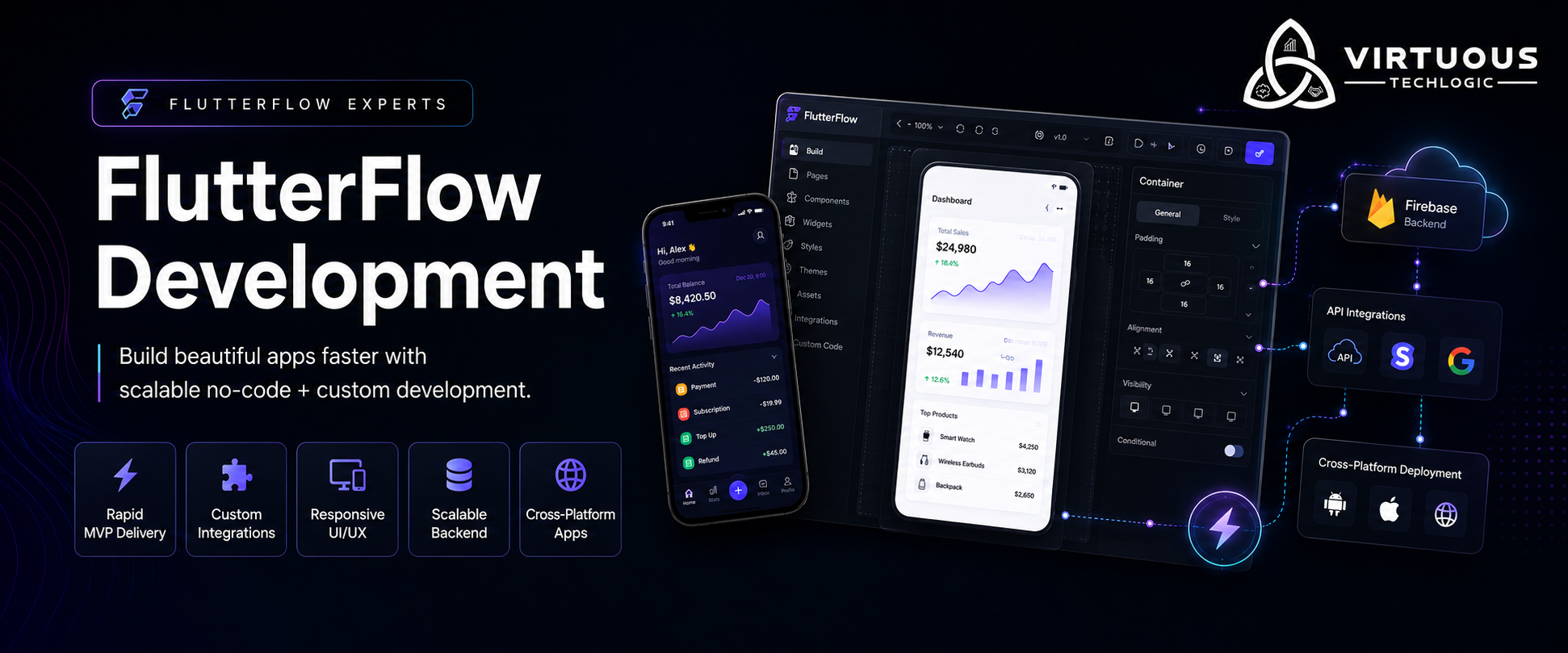
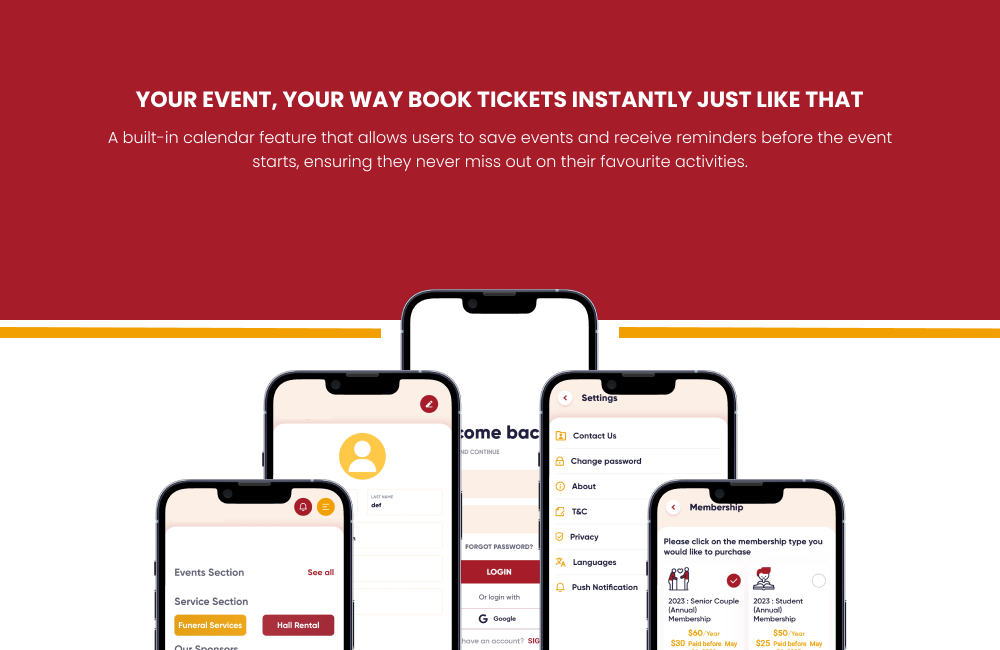
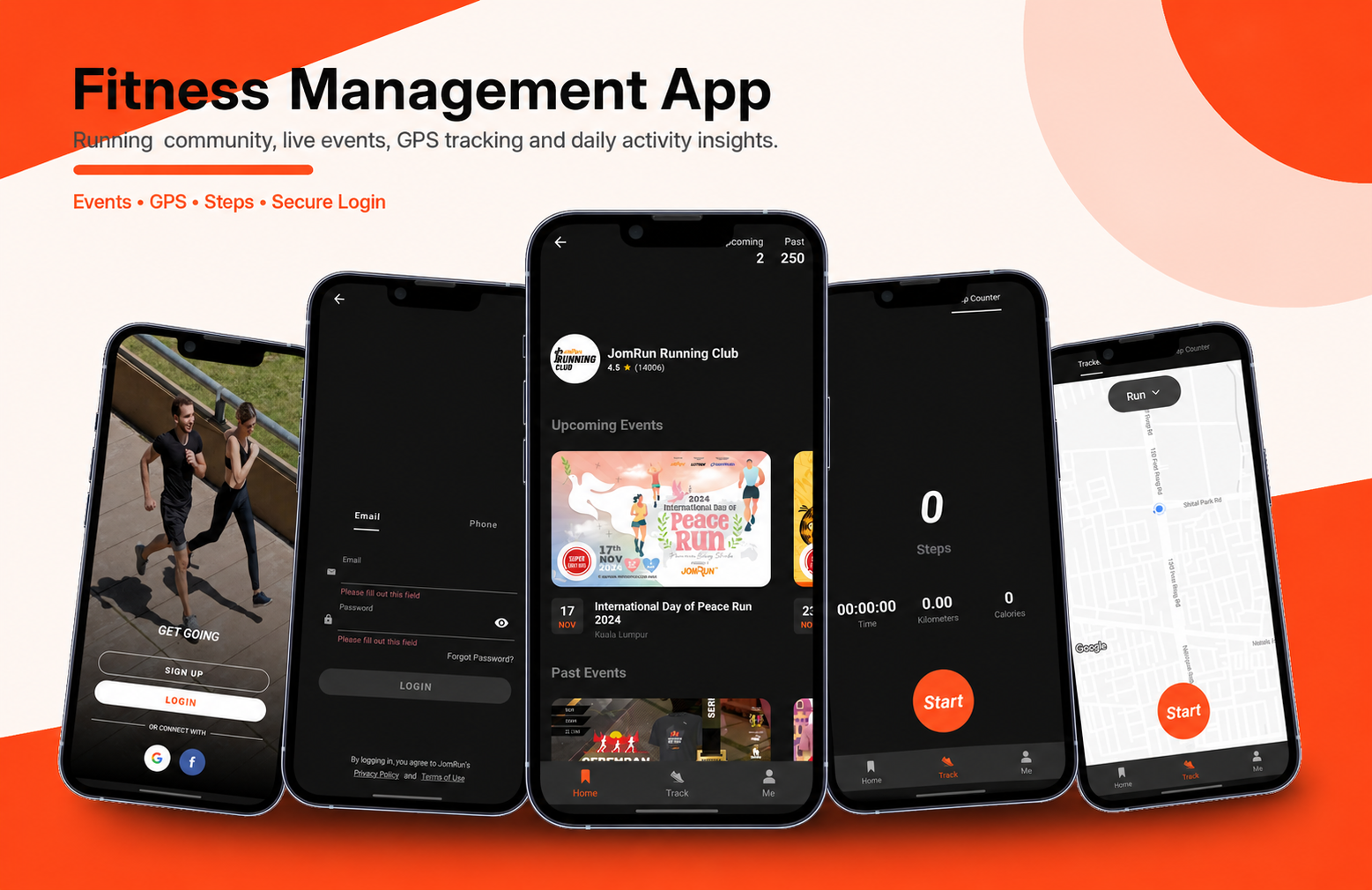
Use FlutterFlow when the product has a bounded workflow, a small number of roles, and a Firebase- or API-backed data model you can keep explicit. It fits startup MVPs, internal tools, operational dashboards, and marketplace or booking flows where screens and CRUD dominate. Visual development is productive when designers, PMs, and engineers share one project and you still own the exported source.
When custom Flutter is the better default
Prefer custom Flutter for deep platform APIs, complex offline sync, highly custom animation systems, multi-module architecture, or when custom Dart already dominates the FlutterFlow project. If performance, testability, or long-term ownership would fight the builder, start in Flutter—or plan a migration rather than stretching visual workflows past their limit.
Startup MVP development
MVP work should prove one primary user journey: authentication, the core record, and the action that creates value. We keep FlutterFlow for layout and simple CRUD, put security-sensitive logic in reviewed custom actions or Cloud Functions, and defer secondary roles, admin sprawl, and AI features until the core loop is used in the wild.
Production FlutterFlow development
Production means source control, environments, security rules, tests on auth/payments/core paths, crash and analytics instrumentation, and a release process for App Store and Play Store. We treat FlutterFlow as a UI and workflow accelerator, not a substitute for architecture, QA, or handover.
Firebase, Supabase, APIs, auth, and roles
Most FlutterFlow products we ship sit on Firebase Auth plus Firestore or on Supabase with row-level security. Custom actions call REST or GraphQL APIs. Role-based access belongs in security rules and server validation—not only in hiding buttons. Admin and member experiences share data models with explicit permission boundaries.
Custom actions, widgets, payments, and realtime
Custom actions cover payments (Stripe and similar, with server-side confirmation where required), notifications, maps, file handling, and third-party SDKs. Custom widgets cover UI the builder cannot express cleanly. Realtime listeners are scoped so they do not become unfiltered collection reads. We document every custom action so another team can maintain the project.
Performance, maintainability, testing, and store deployment
We watch query patterns, image weight, unnecessary rebuilds, and custom-code boundaries. Testing covers unit tests for custom Dart, critical-path widget or integration tests, and a QA checklist before store submission. Deployment includes signing, store listings, and a repeatable release from Git—not only a FlutterFlow cloud publish.
Rescue, Flutter migration, source-code ownership, and maintenance
FlutterFlow rescue typically starts with an architecture and security review of an existing project: auth, rules, custom actions, and what must move to Flutter. You should own the repository, Firebase/Supabase project, and store accounts. Ongoing maintenance covers OS updates, dependency drift, and feature work without locking you to a single vendor.
HIPAA-aware healthcare apps in FlutterFlow
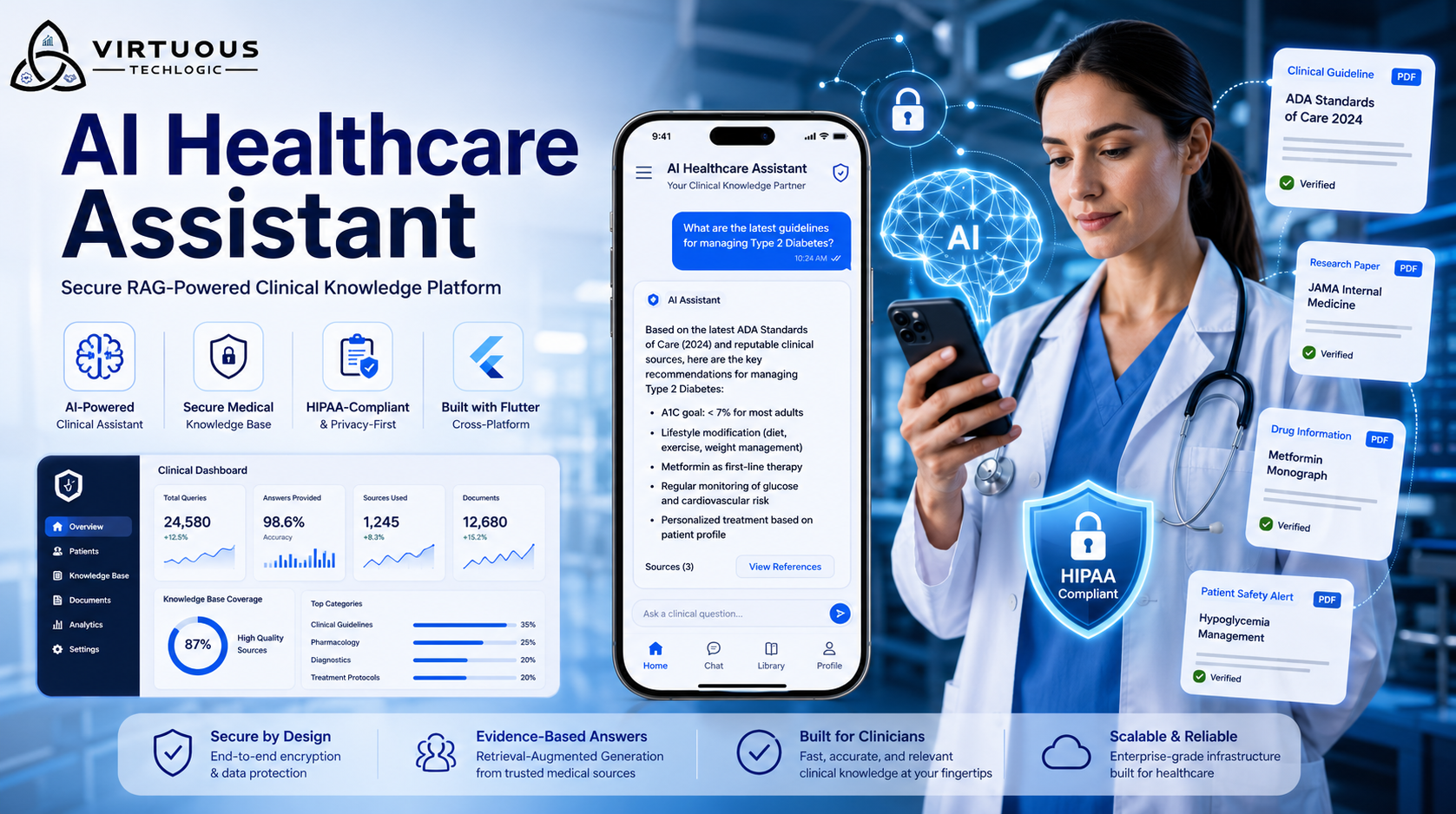
FlutterFlow can be the UI for a healthcare product when roles, security rules, and backend checks are designed on purpose. We do not issue a HIPAA certificate and do not claim a blanket company certification. Delivery includes access control, encryption in transit and at rest, audit logging, and minimum-necessary access, scoped with your counsel. On some completed projects, that product went through HIPAA compliance certification. The certificate belongs to the engagement. Compare FlutterFlow with Bubble or Webflow before you commit the stack.