
Vibe Coding Explained: Myths, Facts, Best Practices & Top AI Tools in 2026
Exploring Vibe Coding: What It Really Means and How to Use It Well
Introduction In today’s fast‑evolving software development landscape, a new paradigm is emerging: vibe coding. Instead of writing every line of code manually, developers describe what they want in plain language (it's “vibe”) and let AI‑driven tools...
· · Written by Virtuous Techlogic · 9 min read
Introduction
In today’s fast‑evolving software development landscape, a new paradigm is emerging: vibe coding. Instead of writing every line of code manually, developers describe what they want in plain language (it's “vibe”) and let AI‑driven tools do the heavy lifting.
This shift from manual coding to conversational, AI‑driven workflows raises plenty of questions: What exactly is vibe coding? Does it work for production systems? What are the trade‑offs?
In this article, we’ll examine the definition of vibe coding, debunk common myths, present facts based on current tool and technology trends (including Rocket and DreamFlow), and provide best practices you can apply right now.
What Is Vibe Coding?
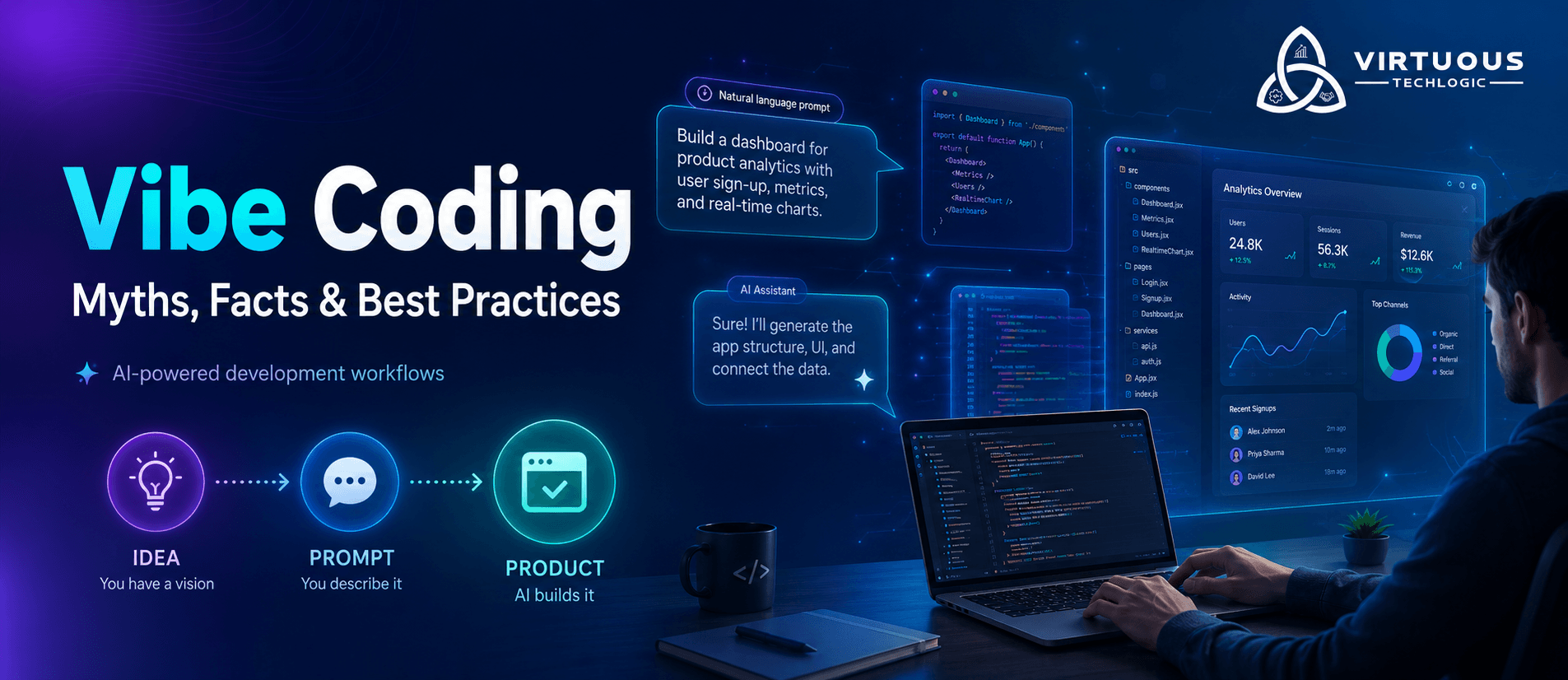
Vibe coding refers to a software development approach where natural‑language prompts, AI tools, and “vibe‑aware” workflows generate much of the application logic, UI, or backend code.
For example: Instead of writing each class, function and UI control manually, you might instruct a tool: “Build a mobile app with user login, chat interface, light/dark toggle, and export to CSV.” The tool then scaffolds or produces code accordingly.
Tools like Rocket let you go from a single prompt to a full‑stack app. DreamFlow enables you to go from a text description to a functioning cross‑platform app via AI + visual editing.
In simpler terms: instead of being the one writing all lines, you design the intent, the “vibe” of the app, and the system helps you execute it. This is what differentiates vibe coding from traditional coding.
Common Myths About Vibe Coding Tools
Myth #1: “Vibe coding eliminates the need for understanding programming languages.”
Vibe coding abstracts syntax, but does not replace the need for foundational knowledge in software architecture, logic, and debugging. Developers still need to validate, refactor, and scale AI-generated code.
Myth #2: “It’s only useful for prototyping and can’t support production-level code.”
Tools like DreamFlow and Rocket now offer production-grade scaffolding with integration-ready exports. While oversight is required, vibe coding supports full-stack deployment workflows when configured correctly.
Myth #3: “AI-generated code from vibe tools is always optimal or secure.”
Generated code often lacks optimization for performance, accessibility, and security standards. Developers must enforce code quality, conduct static analysis, and manage dependency risk just like in manual workflows.
Myth #4: “It’s just a buzzword for prompt-based AI coding.”
Vibe coding is a multi-layered approach—it combines natural language input, real-time feedback, and contextual generation, aiming to align user intent with semantic code structure, not just auto-complete functions.
Myth #5: “You can build full applications without any technical oversight.”
AI may generate functional blocks, but human intervention remains essential for logic validation, data handling, version control, testing, and infrastructure integration.
Myth #6: “It replaces the need for design systems or UI frameworks.”
While vibe tools generate UI components, they must still adhere to existing design systems, component architecture, and responsiveness constraints especially in enterprise-grade apps.
Myth #7: “It’s not scalable for real‑world applications.”
While early tools were prototype‑only, today platforms like DreamFlow support production‑ready workflows across platforms (iOS, Android, Web) and backend integration.
Facts That Debunk the Myths
Here’s what current research and tool trends reveal:
- Vibe coding is already happening: Platforms allow “describe your app” → generate code. For example, DreamFlow: “Tell us what you want to build in natural language,” and it builds.
- It can speed up prototyping and reduce time to market. For instance, one blog observed a build time of ~10‑15 minutes with Rocket.
- It is production‑capable: Many tools or combinations support full stack, exportable code, and integrated deployment pipelines.
- That said, it still requires engineering oversight, especially for maintainability, security, and architecture.
How to Use Vibe Coding Tools Effectively
If you’re considering adopting vibe coding in your team or workflow, here are the best practices:
1. Start with a clear intent, not just a tool.
Define what you’re trying to build in plain language. E.g.: “Create a React dashboard with monthly sales charts, dark mode toggle, export to CSV” or “Build a mobile app for booking yoga classes, with login, bookings, push notifications.”
2. Choose the right tool for your stack and skill level.
- Rocket: “Build full apps from plain text – no coding required.”
- DreamFlow: Supports tri‑surface editing (agentic prompt, visual canvas, code) and cross‑platform (Flutter‑based) app creation.
Pick the tool matching your architecture (web only, mobile, full stack, exportable code, etc).
3. Maintain developer oversight and quality standards.
Generated code still needs review. Use proper architecture, testing, code review, and refactoring. Don’t treat generated code as final without inspection.
4. Use for the right use‑cases.
- Best suited for:
- Rapid prototyping or MVPs
- Internal tools or dashboards
- UI‑heavy flows / mobile apps where speed matters
Less suited (yet) for: ultra‑complex systems, enterprise legacy architecture, deeply regulated environments.
5. Foster team alignment and training.
Ensure your team knows how to craft prompts, review generated code, handle export, and integrate with the main stack.
For example, one Reddit thread remarks:
“I haven’t really used DreamFlow, but I can advocate for Rocket… So far, I have generated like 4 websites and 1 snake minigame.”
This shows early adopter experimentation align expectations in your team.
6. Iterate and measure results.
Measure time‑to‑prototype, developer satisfaction, defect rate, and review cost. Adjust your workflow accordingly.
Challenges and Ethical Considerations
No new shift is without trade‑offs. Here are what to watch out for:
- Quality & maintainability risk: Generated code may suffer clarity or architecture issues unless reviewed.
- Security & accountability: Who’s responsible for bugs or vulnerabilities in generated modules?
- Tool‑dependence & skill erosion: Over‑reliance may reduce core coding skills or architectural thinking.
- Bias, lock‑in & cost: Some platforms may limit export, have token costs, or create vendor lock‑in.
- Ethical transparency: If non‑technical team members generate code, ensure all understand output, data flows, and privacy implications.
Rocket: From Prompt to Full-Stack App in Minutes
Rocket markets itself as a platform that lets users “build full apps from plain text no coding required.” Ideal for solo creators, founders, and designers, Rocket helps you turn a simple prompt like:
“Build a recipe-sharing platform with user profiles, comments, search filters, and light/dark theme.”
...into a complete, working web application with backend, database, frontend UI, and login flow.
Key Features of Rocket:
- Full-stack app generation from natural language.
- Built-in authentication, theming, and CRUD operations.
- No-code frontend editor for further customization.
- One-click hosting and deployment.
- Exportable code in some tiers for developer control.
Best Use Cases:
- Founders are prototyping startups quickly.
- Designers and PMs are testing user flows.
- Hackathon and MVP creators need speed.
- Developers building proof-of-concepts in hours, not weeks.
DreamFlow: Cross-Platform Apps via Vibe, Canvas, and Code
DreamFlow blends AI, visual interface design, and editable code into one unified vibe-based experience. You can build apps by describing your goal in natural language, tweaking layout in a visual canvas, and editing logic as needed in code supporting Android, iOS, and Web via Flutter.
Key Features of DreamFlow:
- Multimodal interface: prompt, visual layout, editable code.
- Cross-platform app generation (iOS, Android, Web).
- Smart UI suggestions and interactive editor.
- Real-time preview and deployment.
- Intuitive for non-tech users, powerful for devs.
Best Use Cases:
- Agencies building client prototypes.
- Developers needing UI + logic + platform reach.
- Cross-functional teams with mixed tech skillsets.
- Creative app builders looking to streamline vision-to-product workflow.
Conclusion: Embracing Vibe Coding with Confidence
Vibe coding isn’t a magic bullet—but it’s a meaningful shift in how we approach software creation. Tools like Rocket and DreamFlow are already showing what’s possible: from idea → prompt → working app.
The smart path is one of intentional adoption: define what you want, choose the right tool for your stack, build oversight into your process, and train your team.
When done right, vibe coding becomes a strategic lever—helping teams work faster, prototype faster, include more voices, and maintain control of quality.
The question is no longer “Can I code this?” but “What do I want to build—and how can I let technology help me do it?”
Frequently Asked Questions
Build Your App with Virtuous Techlogic
Book a Free ConsultationTrusted by clients across Clutch and Upwork
Want proof before starting? View our client reviews and agency profiles on Clutch and Upwork.