
Best Tools for Building Mobile Apps with Flutter: A Complete Development Guide
What Are the Best Tools for Building Mobile Apps with Flutter?
Mobile app development has evolved rapidly, and businesses today demand faster development cycles, seamless performance, and visually stunning user interfaces. This is where Flutter stands out. As a powerful cross-platform framework, Flutter enables...
· · Written by Virtuous Techlogic · 6 min read
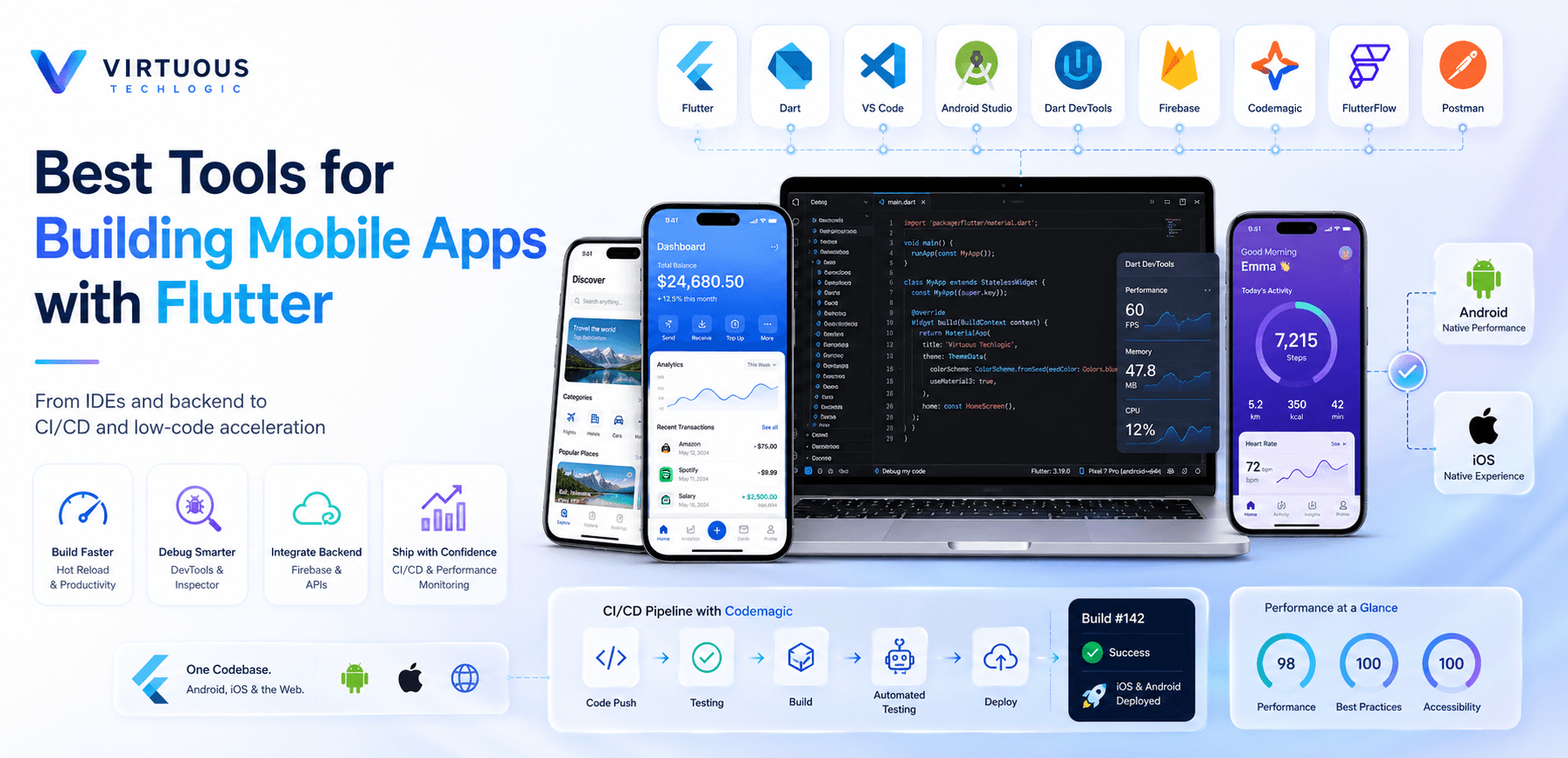
Mobile app development has evolved rapidly, and businesses today demand faster development cycles, seamless performance, and visually stunning user interfaces. This is where Flutter stands out. As a powerful cross-platform framework, Flutter enables developers to build high-performance mobile apps for Android and iOS from a single codebase.
But while Flutter itself is a game-changer, the real magic happens when you combine it with the right development tools. In this comprehensive guide, we’ll explore the best tools for building mobile apps with Flutter, how they enhance productivity, and how companies like Virtuous Techlogic leverage them to deliver scalable and successful mobile solutions.
Why Flutter Is a Top Choice for Mobile App Development
Before diving into tools, it’s important to understand why Flutter has become so popular:
- Single Codebase for Multiple Platforms
- Fast Development with Hot Reload
- Customizable and Rich UI Widgets
- High Performance (Near-Native Experience)
- Strong Community and Ecosystem
Flutter, powered by Dart, allows developers to create visually appealing applications with smooth animations and excellent responsiveness. However, selecting the right supporting tools ensures your project runs efficiently from planning to deployment.
Best Tools for Building Mobile Apps with Flutter
Let’s explore the essential tools every Flutter developer and mobile app development company should consider.
1. Visual Studio Code (VS Code)
Why It’s Popular
Visual Studio Code is lightweight, fast, and highly customizable. It’s one of the most widely used IDEs for Flutter development.
Key Features
- Flutter and Dart extensions
- Integrated debugging
- IntelliSense support
- Built-in Git control
- Fast performance
For startups and enterprises alike, VS Code provides a powerful yet minimal setup for developing scalable mobile apps with Flutter.
2. Android Studio
Why It’s Essential
Android Studio is the official IDE for Android development, and it integrates seamlessly with Flutter.
Key Features
- Advanced debugging tools
- Built-in Android emulator
- Performance analysis
- Strong Gradle support
- Robust UI inspection
For developers building Android-first Flutter apps, Android Studio offers deeper insights and control.
3. Dart DevTools
Why It’s Powerful
Dart DevTools is a suite of performance and debugging tools designed specifically for Flutter and Dart applications.
Key Features
- Performance profiling
- Memory analysis
- Widget inspection
- Network monitoring
It helps identify performance bottlenecks and ensures your app runs smoothly across devices.
4. Firebase
Why It’s Essential for Backend
Firebase integrates seamlessly with Flutter and provides backend services that accelerate development.
Key Features
- Authentication
- Cloud Firestore
- Realtime Database
- Push Notifications
- Analytics
- Crash Reporting
Firebase eliminates the need to build backend infrastructure from scratch, making it ideal for MVPs and scalable apps.
5. Codemagic (CI/CD Tool)
Why It’s Important
Codemagic is a CI/CD platform specifically designed for Flutter apps.
Key Features
- Automated testing
- Continuous integration
- App Store and Play Store deployment
- Secure environment management
For businesses aiming for faster releases and streamlined deployment, Codemagic is a must-have tool.
6. FlutterFlow (Low-Code Tool)
Why It’s Trending
FlutterFlow is a low-code platform built on Flutter, enabling faster app development through visual interfaces.
Key Features
- Drag-and-drop UI builder
- Firebase integration
- Code export capability
- Rapid prototyping
It’s ideal for startups and businesses that want to reduce development time.
7. Postman (API Testing Tool)
Why It’s Necessary
Postman helps developers test APIs before integrating them into Flutter apps.
Key Features
- API request simulation
- Environment management
- Automated testing
- API documentation
Smooth API integration ensures stable and reliable mobile apps.
How Virtuous Techlogic Builds High-Performance Flutter Apps
When it comes to building robust, scalable, and visually engaging Flutter applications, Virtuous Techlogic combines the power of the above tools with strategic development methodologies.
What Makes Virtuous Techlogic Different?
- Expert Flutter developers
- End-to-end mobile app development
- UI/UX-focused approach
- Agile development process
- Continuous integration and testing
- Performance optimization strategies
Virtuous Techlogic ensures that every Flutter app is:
- Fast
- Secure
- Scalable
- User-friendly
- Future-ready
Success Story: How Virtuous Techlogic Transformed a Startup with Flutter
A fast-growing e-commerce startup approached Virtuous Techlogic to build a mobile app that could serve both Android and iOS users within a limited budget and timeframe.
Challenges
- Tight deadline (3 months)
- Budget constraints
- Need for scalable architecture
- Real-time inventory updates
Solution
The team at Virtuous Techlogic used:
- Flutter for cross-platform development
- Firebase for backend
- Codemagic for CI/CD
- Dart DevTools for performance optimization
Results
- 40% faster development time
- 30% reduced development cost
- 99.8% crash-free sessions
- 4.7-star average rating on app stores
- 60% increase in user engagement within 6 months
This success story showcases how choosing the right Flutter tools combined with expert execution, delivers real business impact.
Best Practices When Using Flutter Tools
To maximize the effectiveness of Flutter tools:
1. Choose the Right IDE Based on Team Needs
VS Code for speed, Android Studio for deep debugging.
2. Use Firebase for Rapid MVP Development
Great for startups and scalable apps.
3. Implement CI/CD Early
Automated builds reduce human errors.
4. Monitor Performance Continuously
Use Dart DevTools regularly.
5. Focus on UI/UX
Flutter's UI flexibility is a competitive advantage.
Virtuous Techlogic follows these best practices to deliver optimized, secure, and scalable mobile apps.
Conclusion
Flutter has revolutionized cross-platform mobile app development. However, building a successful app requires more than just choosing the right framework it demands the right tools, strategies, and expertise.
From development environments like VS Code and Android Studio to backend solutions like Firebase and CI/CD tools like Codemagic, these tools significantly enhance efficiency and app performance.
Companies like Virtuous Techlogic demonstrate how combining technical expertise with powerful Flutter tools can deliver scalable, high-performing, and user-centric mobile applications.
If you're planning to build your next mobile app with Flutter, choosing the right development partner and tools can make all the difference.
Frequently Asked Questions
Build Your App with Virtuous Techlogic
Book a Free ConsultationTrusted by clients across Clutch and Upwork
Want proof before starting? View our client reviews and agency profiles on Clutch and Upwork.